Project Info:
Client: USQ Campus Security
Date: March 2019
Watch: Watch on YouTube
Capacity: Digital Content Officer (USQ)
Animation / Video / Voiceover
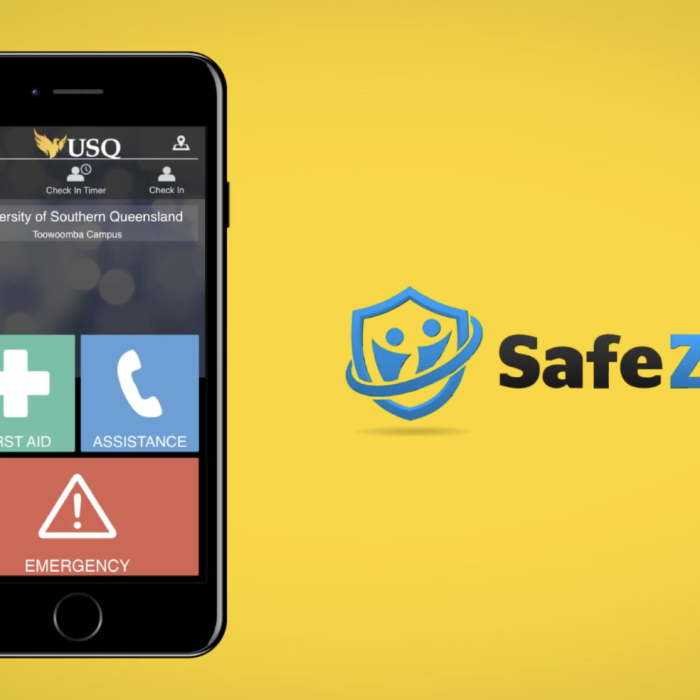
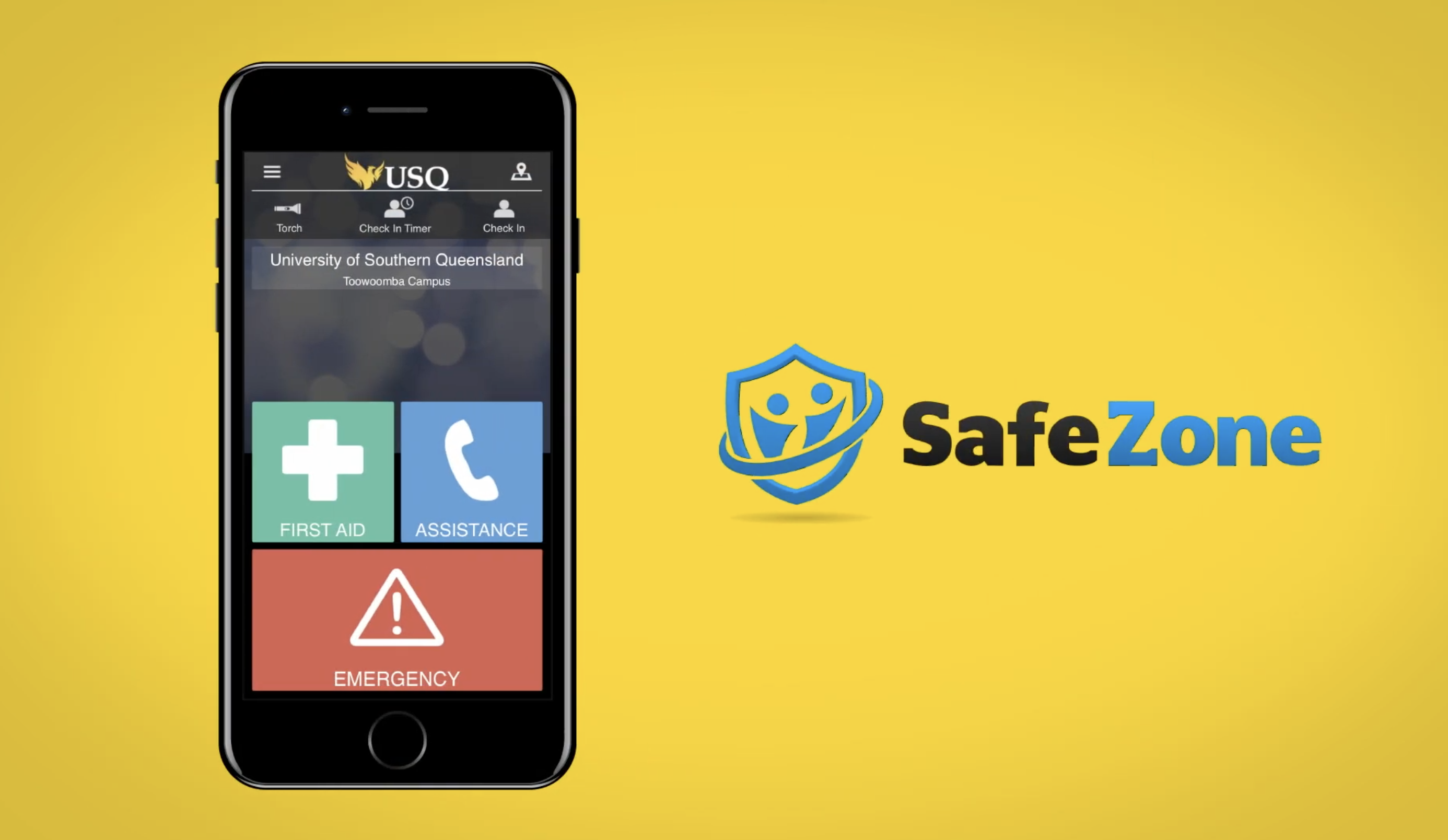
SafeZone
Background & Production Process
I was approached by the Campus Security team to develop a series of videos to introduce students and staff to the SafeZone app and provide a walkthrough of the features offered. After a consultation meeting with the client and vendor, it was determined to split the project into three video:
- Introduce the app generally and highlight the main features
- Walk users through each of the features the app offers
- Focus on the Check In features specifically for users in high-risk work areas
Later in the year, another Tip Reporting video was also produced which walked users through the “tipoff” features the upgraded app offered.
I worked to script, storyboard, film, animate and edit all of these videos entirely myself, with feedback provided from the client and stakeholders on content accuracy. These videos were shared on USQ’s YouTube and Facebook social media channels.
Introduction to SafeZone at USQ
SafeZone Features
SafeZone Check In
SafeZone Tip Reporting
Related portfolio
Video, Voiceover
SQEA Promotional Video
Animation, Photography, Video
UniSQ Regional Listening Tour 2025

Graphic Design, Voiceover